 Owler
OwlerOwler keeps watch over your scheduled jobs.
Set them up and dig into the results with Claude Code in Cursor or VS Code.
- Runs on launchd
- Keeps every run
- Set up and investigate in Cursor or VS Code
macOS 14 or later · Apple silicon
See last night's runs first thing in the morning.
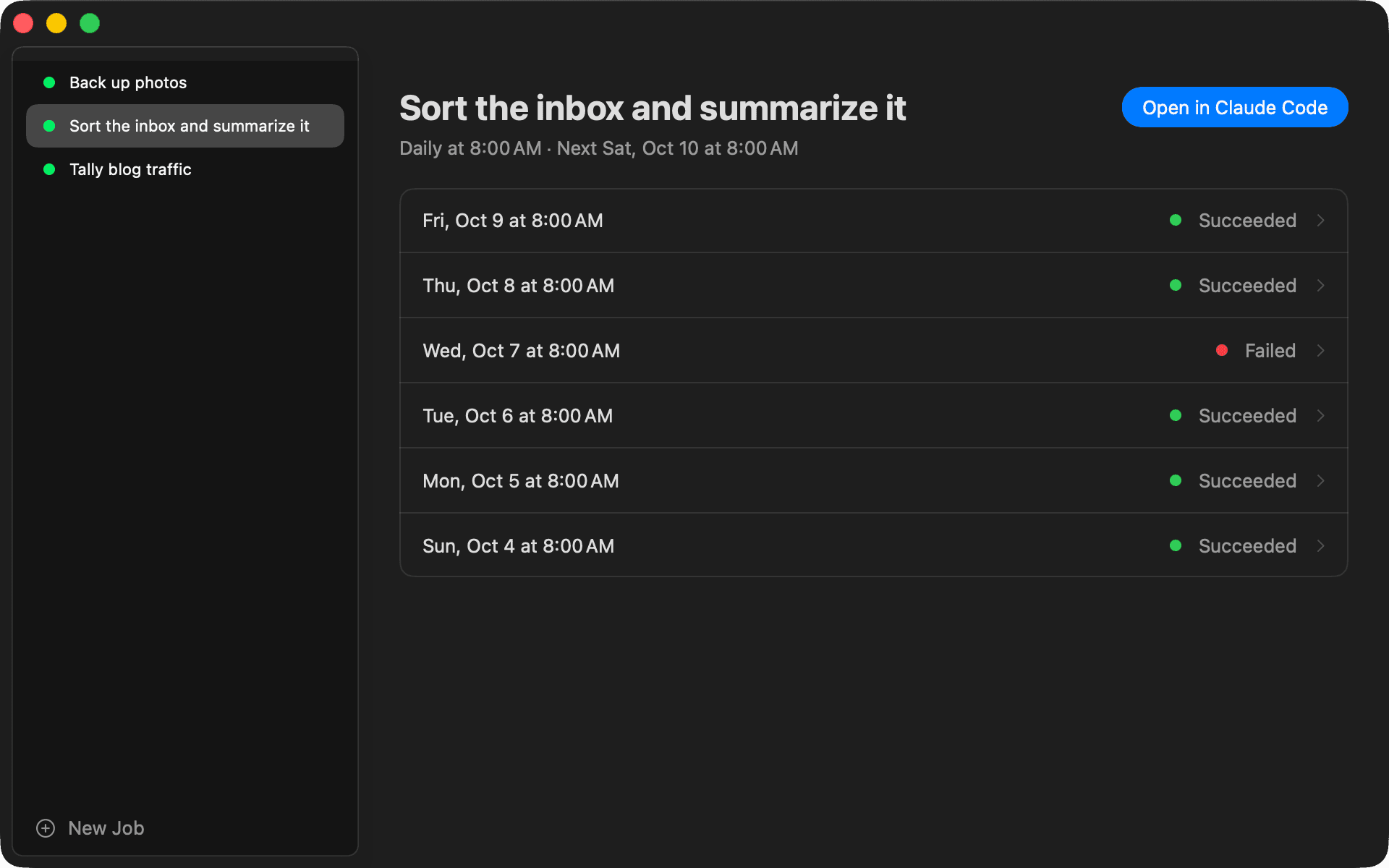
Morning tasks handed to AI, nightly backups: every run is recorded.Investigate any of them with Claude Code in Cursor or VS Code.
Features
- Run history
- Start and end times, exit code and output, recorded for every run.
- AI reports
- When a job runs Claude Code, its last message is shown with the run.
- Cursor and VS Code
- Opens the job's folder in your editor and starts a Claude Code conversation there.
- Set up with AI
- Tell Claude Code what to run and when, and it registers the job.
- Menu bar
- The latest result of each job, with a count of failures.
Get started in three steps.
- 01
Install
Download the DMG and drag Owler into Applications. Homebrew is supported too.
- 02
First launch
Owler is not notarized by Apple, so the first launch is blocked. Click Open Anyway in System Settings → Privacy & Security.
- 03
Add a job
Click New Job at the bottom left of the window and talk it through with Claude Code.
$ brew install --cask piro0919/tap/owlerOwler asks for Accessibility access on first use. It needs it to bring the editor window to the front.
Download for free